Start With the Safe Move, Not the Fix
When a compressor gets too hot or keeps shutting off mid-session, switch it off, unplug it, and keep clear of hot surfaces while it cools. Let it cool for as long as your exact model's manual directs: no cooldown time covers every compressor.
Some situations are not a restart problem. Smoke, a burning smell, an abnormal rattle or grinding sound, or repeated trips all point to something that needs service. Leave it unplugged and contact the maker or a qualified repairer. Do not open the case, rewire anything, defeat a protection device, or add oil to an oil-free compressor — the Iwata manual for the Sprint Jet and Smart Jet says oil must not be used in or on it.
A warm housing alone is not a diagnosis: compressing air produces heat, and many hobby compressors run warm in normal use. Ask instead whether the case is hotter than usual, hot to touch when it used to be warm, or running more often than before.
Ventilation and the Air Intake
Restricted airflow is one of the first things to check. A unit tucked against a wall, boxed into a cabinet, or crowded by paint bottles cannot shed heat, and hot air recirculating into the intake makes things worse. Atlas Copco's guide to compressor overheating names restricted airflow, poor ventilation and recirculated heat as common factors for much larger machines. Give the compressor open space, and avoid spraying in a closed room that heats up.
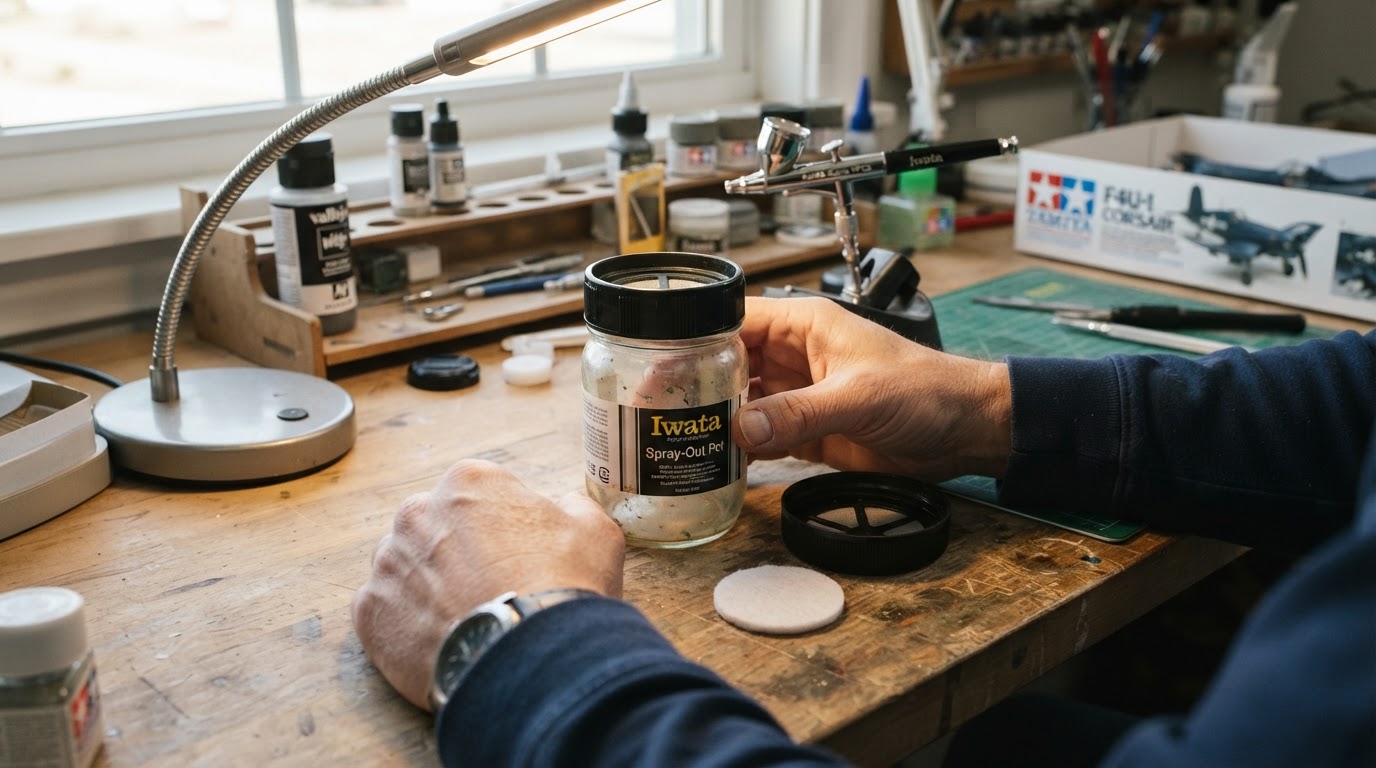
The same Iwata manual warns against placing the compressor between you and your work area or under the spray zone, because overspray can flow into the intake and damage the unit. Its sponge-like intake filter needs replacing only when it is dirty enough to cut airflow; under heavy use, inspect it weekly.

Duty Cycle, Tank or No Tank
Every compressor has a duty cycle: the share of time it can run within a given period without overheating. A hobby unit asked to spray beyond that rating will heat up regardless of ventilation, and one manual's run-time limit should not become a universal rule. The Sprint Jet and Smart Jet manual notes that these units can become hot and that thermal protection can stop them; for the break and cooling instructions that apply to your exact model, follow its current manual.
Tank capacity, automatic pressure control and duty cycle are separate specifications. A tank does not automatically mean the motor rests: the IS875HT and IS925HT manual describes shut-off that stops the unit when the tank fills and restarts it as stored air depletes. Nor does a tankless design automatically mean shorter bursts, because compact models can carry an automatic pressure switch. Check your exact model's manual.
To match your airbrush's demand to the compressor you own, try this airbrush compressor size calculator.
Air Escaping From the System
A slow leak at an accessible joint — hose fitting, regulator, moisture trap, quick-disconnect or drain valve — makes the compressor cycle more often than normal. More running means more heat, so a leak can masquerade as overheating. The clue is rhythm: both Iwata manuals describe a unit that cycles on and off while you are not spraying as a sign of a leak.
Before inspecting any fitting, switch the compressor off, unplug it and relieve pressure as your manual instructs. Then inspect or reseat only accessible fittings, without forcing anything or stripping threads. Do not improvise a bubble test on a fitting you have just depressurized: with no pressure in the line, bubbles prove nothing. If an operational leak check is needed, follow the exact procedure in your model's manual — Iwata's manuals describe checking connections with a soapy-water solution — away from electrical parts and hot surfaces.
Drain the moisture filter and tank as the manual directs; if water is reaching the air line, our guide to airbrush spraying water explains what is ordinary and what is not.
A Simple Check Order
Step | What to check | If it looks wrong |
|---|---|---|
1 | Power off and unplug; cool as the manual directs | No fixed cooldown applies |
2 | Smoke, burning smell, odd sound or repeated trips | Stop and seek service |
3 | Clearance, ventilation and ambient heat | Move the unit, open the space |
4 | Intake filter, grille and overspray path | Clean or replace as allowed |
5 | Duty cycle vs. your real spray pattern | Shorten bursts, rest the motor |
6 | Accessible fittings, after depressurizing | Reseat or tighten per manual |
7 | Still hot, tripping or sounding different | Stop and have it checked |
A compressor that runs hot needs airflow, rest or a small repair — not one more coat of paint. Treat thermal protection as information, keep oil away from an oil-free unit, and leave electrical parts to qualified service.